
Link-in-bio examples for creators: help followers find what you recommend
One published WNTD example and three illustrative layouts to help you organise your own creator profile.
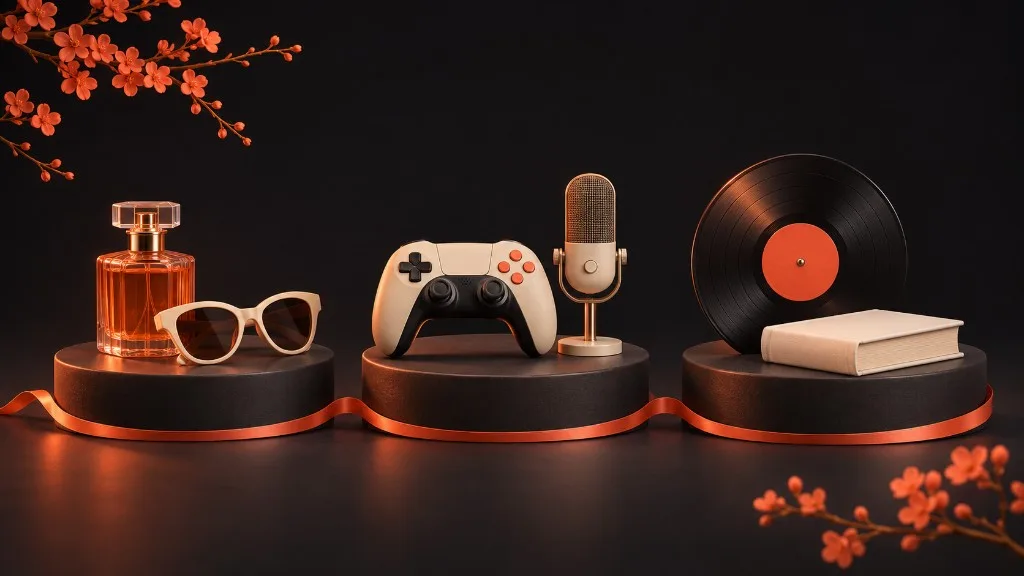
A creator profile should answer the question that brought someone there. After a gaming video, that might be “Which microphone is this?” After a book review, it could be “Where can I find the book?”
The right structure depends on those questions. Below is one WNTD profile featured on our creator page, followed by three illustrative layouts you can adapt. The layouts are examples, not customer case studies or claims about conversion results.
A WNTD example: Claudia Smith
Our creator page features Claudia Smith's @dreamsbyclaudia profile, including examples of book and fragrance recommendations.
The useful idea is the connection between a person and the things they recommend. A profile gives those recommendations a recognisable home, while the individual items can carry the detail someone needs before following a link.
When planning your own profile, ask what belongs at each level. Your bio introduces your interests. A collection groups related recommendations. An individual note explains one choice. Repeating a full introduction on every item makes the profile harder to scan.
Example layout 1: a lifestyle creator
Imagine a creator whose followers ask about clothes, fragrances and places to visit. A single collection called “My favourites” may become difficult to navigate as it grows.
A clearer starting structure could be:
| Collection | What belongs in it | Useful detail to include |
|---|---|---|
| Everyday outfits | Pieces worn in recent content | The exact colour or fit shown |
| Fragrances I use | A small selection of personal favourites | When and why the creator uses each |
| Weekend places | Cafés, restaurants and destinations | What made the visit worth recommending |
These are suggested labels, not existing collections on Claudia's profile. Start with the categories your followers actually ask about rather than filling every possible category.
Example layout 2: a gaming creator
A gaming audience may want both entertainment and practical setup details. Consider separate collections for “My streaming setup”, “Games I'm playing” and “Music for focus”.
The setup collection could explain which microphone, keyboard or monitor appears in a video. Include the exact model and distinguish what you currently use from what you are considering buying. A saved wish is different from a personal recommendation based on experience.
Keep your main social destinations clearly named too. Someone looking for your stream should not need to open a hardware collection first.
Example layout 3: a music creator
A musician or music curator might organise a profile around “Listen to my latest release”, “Music I recommend” and “Gear I use”.
Think about the next action for each visitor. A fan wants to listen. Another musician may want to understand your recording setup. Give those journeys distinct names and check that each destination opens the intended release, playlist or product.
If an event has passed or a release link changes, update the relevant recommendation. A profile is useful only while its destinations remain usable.
Build a small first version
You can start your basic profile draft on wntd.bio with your name, username, optional images, bio and links. Save it and follow the handoff instructions to claim it in the WNTD app before the displayed expiry time.
After claiming, create your collections and public recommendations in the app. Those collections are not created in the web editor.
Begin with a handful of relevant recommendations. Ask someone unfamiliar with your public profile to find one specific item without help. Their hesitation will tell you more than adding another decorative element.
For product notes and codes, read how to make product recommendations useful. For the complete setup and sharing sequence, use the Instagram setup guide.
Create your free WNTD profile draft
Begin on the web. Claim your draft in the free WNTD app, then add the recommendations you want followers to discover.